AI TOOL / #10059
Audio Trimmer
A Chrome extension designed for online audio editing, supporting various file formats and AI-powered editing features.
Introduction
Chrome extension for online audio trimming, supporting multiple formats and AI-powered editing.
What is the Audio Trimmer Extension for Chrome? What is this extension/plug-in?
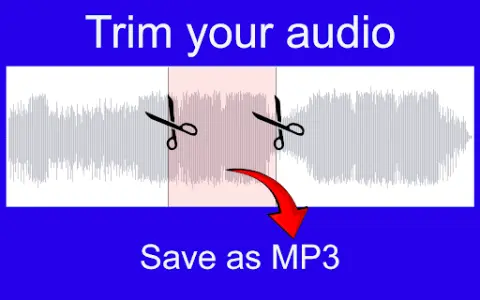
The Audio Trimming Extension is a tool designed for the Chrome browser, aimed at providing convenient audio editing capabilities. Users can directly trim audio tracks online without the need to download them first. This extension supports various formats such as MP3 and WAV, offering precise editing options. It combines accurate waveform display with AI-powered tools to enable intelligent audio track editing and high-quality conversions. It is especially useful for creating ringtones, shortening podcasts, extracting specific sections from songs, and refining the audio quality of YouTube videos.
How to use the Audio Trimmer Extension for Chrome?
1. Install this extension from the Chrome Web Store.
2. Open the extension and upload your file.
3. Use the waveform to select the portion you wish to trim.
4. Click the trim button and download the edited file.
The core functionality of the Audio Trimmer Extension for Chrome.
User-friendly interface
Wide support for various formats (including MP3, WAV, etc.)
Online convenience (no need to download)
Precise waveform editing
AI-powered tools
Related
Lime AI
An AI-powered data research assistant that enables faster data analysis and coding.
Studyquick
An AI-based learning platform that enables efficient learning and exam preparation.
SkyLoad iQ
AI-powered software for air cargo loading optimization and transportation planning.
smudge.ai
Chrome extensions: The AI tools available in the right-click menu can be used for text processing.
2Slash
An AI browser extension designed to enhance content generation and increase efficiency.
DevGPT
An AI assistant for developers that combines ChatGPT with more than 30 mini-tools.