AI TOOL / #07166
GetSearchablePDF
Use OCR technology to convert PDF files into searchable documents.
Introduction
Converts PDFs to searchable documents using OCR.
What is GetSearchablePDF?
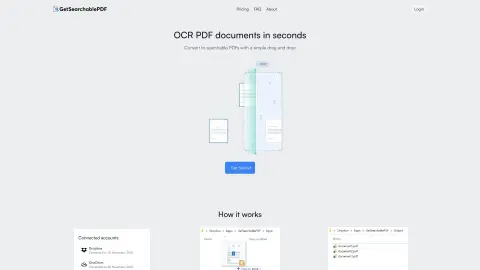
GetSearchablePDF is a service that converts PDF documents into searchable formats by utilizing OCR (Optical Character Recognition) technology. It enables users to transform scanned documents, screenshots, handwritten text, and photos into searchable files. The service places emphasis on ease of use, accuracy, and security; after processing, the files are automatically deleted within 10 minutes. It offers a subscription-based pricing model and also provides a free trial that includes 10 credits.
How to use GetSearchablePDF?
1. Connect your Dropbox or OneDrive account.
2. Drag and drop the PDF file into the input folder (or copy and paste it there).
3. Obtain a searchable PDF file!
The core functionality of GetSearchablePDF
First-class OCR accuracy
Secure file processing (files are automatically deleted after 10 minutes).
Supports handwritten text.
Convert scanned PDF files, screenshots, handwritten text, and photos.
Related
Image Translate AI
An AI-powered image translation tool that supports instant translation of text in images across more than 70 languages.
Honeybear.ai
An AI assistant for PDFs, videos, and documents – capable of conducting conversations, summarizing content, and extracting information.
Hotel in Cloud
An integrated hotel management software that incorporates artificial intelligence technologies.
Leader Menu
A digital menu creation tool equipped with AI conversion capabilities, ideal for use in restaurants.
Receipt Cat
A receipt scanning and expense tracking tool designed for small businesses and freelancers.
Notebook Digitizer
By leveraging artificial intelligence and computer vision, the gap between analog and digital note-taking can be bridged.