AI TOOL / #07146
ImageToText
An extension that copies text from images on the internet via the OCR.Space API.
Introduction
An extension to copy text from images on the internet using OCR.Space API.
What is the OCR.Space API AI Chrome extension/plugin?
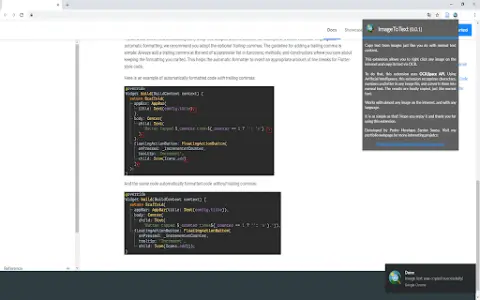
This extension lets you copy text from any image on the internet just like regular text content. Simple—that's the goal of this app. Just right-click the image, select “Copy Image Text,” and you're done… You can use and paste the text you see in that image. It's very useful for extracting text from informative, entertaining, and code-block images. Now you don't have to rewrite everything—with this extension, the problem is solved. To process images, this extension uses the OCR.Space API.
How do I use the OCR.Space API AI Chrome extension/plugin?
Right-click an image, select "Copy Image Text," and then paste the extracted text.
Core features of the OCR.Space API AI Chrome extension/plugin
Copy text from images on the internet.
Related
AI Writing Assistant
An AI-powered content generator that makes content creation effortless and engaging.
Billy
WordPress assistant plugin for content, components and custom website development.
Writify AI
Tools based on artificial intelligence, used for automated research, writing, and SEO-optimized article generation.
Bleepify
An AI-driven tool that automatically removes profanity from videos.
databass ai
An AI audio company that provides advanced browser-based music production tools.
APM Music Audio & Video Editor By MatchTune
An AI-powered APM music plugin designed to adjust the length of songs to meet specific requirements.