AI TOOL / #06642
Open Voice OS
An open-source voice artificial intelligence platform that places a strong emphasis on privacy and offers customized voice control interfaces.
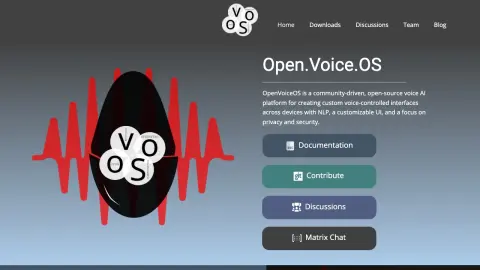
Introduction
Open-source voice AI platform for custom voice-controlled interfaces with a focus on privacy.
What is Open Voice OS?
The Open Voice Operating System is a community-driven, open-source platform for voice artificial intelligence, designed to enable the creation of customized voice control interfaces on various devices. It incorporates natural language processing capabilities and customizable user interfaces, and places a strong emphasis on privacy and security. This platform is aimed at providing developers and contributors who wish to support specific devices or platforms with a multi-platform environment that facilitates the experimentation with voice assistant technologies.
How to use Open Voice OS?
Install the Open Voice Operating System using Docker or Python. For developers, it is recommended to use a Python virtual environment. To run OVOS in a stable and straightforward manner, Docker can be utilized; it provides pre-built images suitable for Raspberry Pi and Mycroft devices.
The core features of Open Voice OS
Community-driven development
Open-source platform
The voice control interface can be customized according to user preferences.
Multi-platform support
Focus on privacy and security
Natural Language Processing (NLP) integration
Related
PixEditor AI
An online AI image editor that allows users to modify images with just one sentence.
Dimly AI
Automatically convert songs into AI-generated music videos
Relax-Game-Toolkit
A collection of pure-front-end, dependency-free mini-games – a single HTML file contains approximately 20 games and relaxation tools, such as the electronic wooden fish game, 2048, Snake, Minesweeper, and more. After downloading the index.html file (about 315KB), double-click it to play in any browser. These games are compatible with mobile touchscreens and support local storage of game saves.
Stiro
An AI specialist who helps users complete all the configuration tasks within SaaS platforms.
Azahar
The open-source 3DS emulator project is the result of the merger and continuation of the Citra branch and the Lime3DS project. It is currently recommended to download and use it on the Android platform via Google Play.
Redream
The Dreamcast emulator is known for its simplicity, ease of use, and high compatibility. It supports platforms such as Windows, macOS, Linux, and Android, and is capable of running a vast number of classic DC games.