AI TOOL / #06276
Message AI
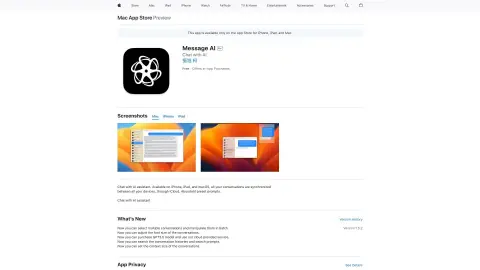
Cross-platform AI chat application that supports iCloud synchronization, as well as text-to-image and text-to-speech functions.
Introduction
Cross-platform AI chat app with iCloud sync, text-to-image, and text-to-speech.
What is Message AI – GPT TTS?
Message AI – GPT TTS is a cross-platform application available for iPhone, iPad, and Mac. It enables users to chat with the AI assistant, synchronize conversations across devices via iCloud, and utilize features such as text-to-image and text-to-speech conversion. The app also offers a keyboard extension that allows access to the AI within any other application, and supports custom prompts.
How to use Message AI – GPT TTS?
Download the app from the App Store, start a conversation, and chat with the AI assistant. You can also use the keyboard shortcuts in other apps to access the AI features. Customize the prompts and make use of the text-to-image and text-to-speech functions.
The core functionality of Message AI – GPT TTS
AI chat assistant
Cross-device iCloud synchronization
Text-to-image generation
Text-to-speech function
Customizable prompts available.
Accessing AI-powered keyboard extensions in any application.
Related
Novels AI
A platform for creating personalized audiobooks, with the user as the protagonist.
Woord – Text to Speech
Word uses natural voices to convert text into audio in multiple languages.
SpeechKit
A platform for generating synthesized voices and publishing them, used to expand the scope of audio content.
Kokoro Web
A free and open-source online AI speech generator, used for text-to-speech conversion.
Respeecher
An AI speech generator that possesses the capability to perform high-quality text-to-speech and speech-to-speech conversions.
Talk Time for Google Meet
Track speaking time in Google Meet to ensure balanced and inclusive participation.