AI TOOL / #02660
Grok Button
A browser extension that provides quick access to Grok AI.
Introduction
A browser extension for quick access to Grok AI.
What is a Grok Button?
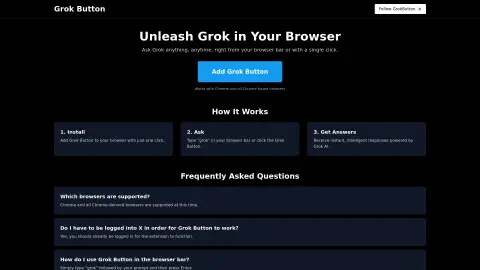
The Grok button is a browser extension that seamlessly integrates the powerful capabilities of Grok AI into your web browser. Users can submit their questions by entering “grok {your question}” in the browser address bar or by clicking the Grok button, and they will receive instant, intelligent responses.
How to use the Grok Button?
Install the Grok button extension. To use it, enter “grok” followed by your question in the browser address bar, then press Enter, or click the Grok button.
The core functionality of the Grok Button
Quickly access Grok AI from your browser.
Answer questions immediately
Integration with Chrome and Chrome-based browsers
Related
New WhoIsCooking
Find out which AI agent is overheating your Mac—and cool it down.
New LiveLingo
A real-time translation app that generates translations as you speak
New Context Engine
AI tools and teams share the same “memory”.
New Triage System
A tool for automatically reproducing bug reports
New CutBay
Dialogue-based AI video agent
New CapyScout
Automatically find customers' AI sales agents