AI TOOL / #10980
Image to Text for ChatGPT
A Chrome extension that provides a fast and private way to directly integrate OCR functionality with ChatGPT.
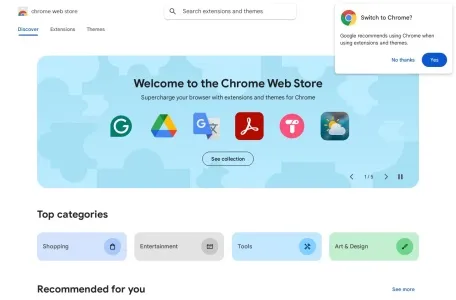
Introduction
Chrome extension for quick and private OCR directly into ChatGPT.
What is the Image-To-Text-OCR-extension-for-ChatGPT AI Chrome extension/plugin?
This Chrome extension enables users to quickly and easily extract text from images and paste it directly into the ChatGPT text field. It supports multiple languages and utilizes Tesseract.js for local OCR processing, thereby ensuring user privacy. Additionally, it offers optional integration with Pieces.app to enhance accuracy and preserve file formats, making it particularly suitable for handling code.
How to use the Image-To-Text-OCR-extension-for-ChatGPT AI Chrome extension/plugin?
Upload an image file, or drag and drop the image into the ChatGPT text box, or paste a screenshot from the clipboard (Ctrl+V) into it. The extension will automatically convert the image into text and fill the text box with the resulting text.
The core functionality of the Image-To-Text-OCR-extension-for-ChatGPT AI Chrome extension/plug-in
Optical Character Recognition in Browsers
Integration with ChatGPT
Supports multiple languages
Optional integration with Pieces.app to enhance OCR functionality.
Related
Colossyan Creator
An AI video platform used for creating training and workplace learning videos from text.
Coze
The AI robot and agent creation platform launched by ByteDance
Captions
AI-powered video creation and editing apps that offer automatic subtitles and a range of AI-based tools.
Mubert
The AI music ecosystem generates royalty-free music.
Krisp
Artificial intelligence-driven noise removal, conference transcription, and accent conversion enable clear and efficient communication.
Writer
Enterprise-level AI content creation tool