AI TOOL / #10696
CANVID for Windows
Screen recording tool with auto-enhancement to easily create professional videos.
Introduction
Screen recording tool with automatic enhancements for creating professional videos easily.
What is Canvid?
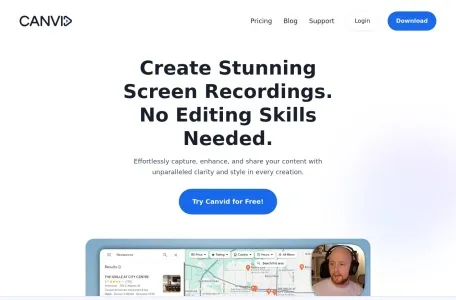
Canvid is a screen recording tool designed to easily capture, enhance and share screen recordings. It offers features like smooth mouse movement, auto-zooming, cinematic motion blur, and background effects, making it ideal for creating high-quality presentations, tutorials, and promotional videos without advanced editing skills.
How to use Canvid?
Capture the screen with just one click, enhance it with auto-zoom and AI background effects, add subtitles, and finally share the finished video instantly via cloud upload or local save.
Canvid’s core features
Auto scaling
AI background effect
Automatic subtitles and transcriptions
Simple screen recording
Share instantly
AI enhanced speech
Creative camera features
Related
Freshframe
Nutritional applications based on artificial intelligence, used for real-time food decisions and personalized insights.
IngreedyIt
An AI-powered app for analyzing food and cosmetic ingredients.
Pacely
Pacely automatically renames y...
ProgressMade.ai
ProgressMade is an AI-powered health platform that focuses on goal setting, the development of daily habits, and the tracking of progress.
beSportly
A platform for searching for and booking sports venues, coaches, gyms, and events.
aabo
Digital health platforms offer AI-powered medical devices for personalized healthcare.